Als je een support ID van AVM hebt, laat aub even weten. Dan kan ik de collega´s erop zetten.
Is bij ons (AVM) bekend. We werken aan een oplossing.
Thanks, dat zou fijn zijn.
Ja, meerdere patchkables etc, gebruikt en zo uiteindelijk tot die conclusie gekomen. Ik ben er vrij zeker van, maar ik heb natuurlijk geen labopstelling en uitgebreide testapparatuur…
Ticket-ID 6469962
Gevonden. Ik heb e.e.a. aan de collega´s gemeld. Bedankt voor het doorgeven.
Update 5590 8.00 build 116429 11-10-2024
Info
Produkt: FRITZ!Box 5590 Fiber
Version: FRITZ!OS 8.0
Language: Dutch, English, French, German, Italian, Polish, Spanish
Release date: 24.10.2024
------------------------------------------------------------

With each FRITZ!OS update, AVM also updates its security functions. Therefore we recommend performing the update for all devices.

------------------------------------------------------------
**New features:**
------------------------------------------------------------

- User interface: Diagram showing the connections in the overview (homepage)
- New Online Monitor informs about the load on the internet connection and the load by individual network devices.
- Internet: Now IPv6 data can also be transmitted via a WireGuard® VPN tunnel
- Mesh: Redesigned diagram of all devices connected with the FRITZ!Box with additional functions
- Push service: Reworked design and more convenience

------------------------------------------------------------
Below you find a complete list and descriptions of the new functions in the latest FRITZ!OS, along with a list of further improvements in this version.
------------------------------------------------------------

# New features and improvements in FRITZ!OS 8.00

## Fiber:

- **Improved ** Fiber optic module is disabled for internet access via the WAN port

## Internet:

- **NEW ** IPv6 data now can also be transferred via a WireGuard® VPN tunnel (new WireGuard® connection required, no forwarding of IPv6 data to the internet)
- **NEW ** New Online Monitor diagram with expanded information on the load on the internet connection by individual network devices
- **NEW ** Extend online time restricted through parental controls by 45 minutes directly in the detailed settings of the network device
- **Improved ** When sharing internet access to FRITZ!Box services, an additional IP block list from AVM can be used
- **Improved ** For VPN network couplings via WireGuard®, the "fritz.box" domain is resolved in the entire coupled network
- **Improved ** For VPN network couplings via WireGuard®, the domain of the remote site can be specified for DNS resolution
- **Improved ** More precise explanations of errors during the configuration of WireGuard® connections
- **Improved ** Added notification about potential risk of sharing port 80 or 443
- **Improved ** Preselection of easiest configuration method for the internet providers Telekom, Vodafone, and EWE for initial configuration on a fiber optic connection
- **Improved ** Improved details during the initial configuration behind a fiber optic modem (ONT)
- **Improved ** Selection of automatically fair bandwidth distribution in the home network including Ingress shaping as own option in the prioritization settings (not in FRITZ!Box 5530 (PRX), not in FRITZ!Box models exclusively for mobile networks like FRITZ!Box 68xx, and not in FRITZ!Box Cable models)
- **Improved ** The FRITZ!Box user interface can also be opened in the home network by entering "fritzbox.internal" and "fritzbox.home.arpa"

## Wi-Fi:

- **NEW ** Visualization of Wi-Fi usage in the home network for the last 7 days added on "Wi-Fi > Wi-Fi Channel"

## Mesh:

- **NEW ** Definition of a name and an icon for network devices directly in the Mesh Overview diagram (tooltip)
- **Improved ** Details about the LAN connections between FRITZ! devices given in the Mesh Overview diagram (tooltip)

## Telephony:

- **Improved ** Recordings on the answering machine now with higher voice quality (HD audio)
- **Improved ** The "Enable encrypted telephony" option is offered for the provider "Drillisch GmbH"
- **Improved ** Order of telephone numbers in telephone book entries can be changed more easily
- **Improved ** The call list shows the country, or for domestic calls, the location, where the call originated

## DECT/FRITZ!Fon:

- **Improved ** Display of Wi-Fi account information can now be switched on or off for each FRITZ!Fon
- **Improved ** Easier deletion of multiple emails via the "delete multiple" option
- **Improved ** "Weather" start screen now available in all countries

## Home Network:

- **NEW ** Names can now also be assigned to devices that use the guest access
- **NEW ** Improved overview through individual icons for network devices
- **Improved ** Detailed settings of a device on the "Home Network > Network Connections" page redesigned
- **Improved ** Troubleshooting and settings for speeds on WAN/LAN connections reworked
- **Improved ** Random calculation of the Unique Local Address (ULA, IPv6) in accordance with RFC 4193)

## Smart Home:

- **NEW ** On the device page of FRITZ!DECT 350 window sensor in the FRITZ!Box user interface, window open detection can be configured for the selected radiator controls
- **NEW ** The templates also allow the user to set the target temperature for radiator controls; the brightness, saturation, and color for lights, and the position for roller shutters in percentage steps
- **NEW ** The temperature settings for the radiator control can be restricted to a lowest and highest temperature (from software version 5.20 for FRITZ!DECT 301 and FRITZ!DECT 302)
- **NEW ** Routines can also be triggered by a preset time or a time relative to sunrise/sunset
- **Improved ** Reworked registration of Smart Home devices via the FRITZ!Box user interface

## System:

- **NEW ** New diagram of the FRITZ!Box connection status in the overview (homepage)
- **Improved ** File name for saved settings now includes name of individual FRITZ!Box
- **Improved ** A personal subject line can be be specified for push service
- **Improved ** Reworked configuration of push service
- **Improved ** Communication to all AVM services for the FRITZ!Box (update, etc.) preferentially via IPv6 with fallback to IPv4
- **Improved ** Link to reset the password more prominent in the "Forgot password" email
- **Improved ** With "Diagnostics > Function" the services for the Network Time Protocol are checked and relevant information displayed about any errors found
- **Improved ** Simplified address changes in push service through the new default recipient, which can be specified independently of the sender
- **Improved ** Changes to sender information for email from push service require additional confirmation
- **Improved ** Shorter interval for sending push service emails with notifications on user logins with the FRITZ!Box
- **Improved ** "Transfer Your Settings to a New FRITZ!Box" wizard improved for a smoother switch from DSL to fiber optic or cable
- **Improved ** More reliable detection of FRITZ!Box updates already performed through use of the "Transfer Your Settings to a New FRITZ!Box" function

## USB/Media Server:

- **Improved ** Energy-saving function now also works with USB storage devices in Green Mode (USB 2.0)
- **Improved ** Data packets downloaded from fritz.nas now include the name of the given FRITZ!Box model and a time stamp in the file name to ease identification

## Powerline:

- **NEW ** Password for all devices in the powerline network can be changed with a single click

# Additional Improvements in FRITZ!OS 8.00

## Internet:

- **Changed ** The AES-192 encryption algorithm is no longer supported in Phase 2 SAs of VPN connections
- **Changed ** The hash algorithm MD5 and the 3DES encryption algorithm are no longer used on VPN connections over IPSec for reasons of security
- **Changed ** The IPv6 option "Assign unique local addresses (ULA) as long as no IPv6 internet connection exists (recommended)" is no longer offered
- **Changed ** In PPPoE passthrough operation of the FRITZ!Box, DNS root queries are no longer filtered via UDP
- **Fixed ** Under some circumstances the network traffic of a connected telephone system was not routed via a specially configured VoIP interface
- **Fixed ** Under certain circumstances, OpenWrt devices operated behind a FRITZ!Box did not receive an IPv6 connection to the internet
- **Fixed ** Independent port sharing (UPnP) for the same port with various home network devices did not work under certain circumstances
- **Fixed ** In some circumstances active WireGuard® connections were interrupted when adding or deleting WireGuard® connections
- **Fixed ** VPN connections via WireGuard® to an endpoint given as multiple (comma separated) domains could not be established

## Wi-Fi:

- **Changed ** For improved compatibility with older wireless devices, security settings can be adjusted on the "Wi-Fi > Security" page
- **Changed ** Text reference to selection of "WPA2 + WPA3" Wi-Fi encryption removed
- **Fixed ** Display of Wi-Fi properties of a registered wireless device was in rare cases incorrect
- **Fixed ** When 5-GHz channels were checked for radar (DFS), no wait cursor was displayed under these channels in the user interface
- **Fixed ** Repeaters that were logged into the guest network were not marked as "Wi-Fi guests"

## Home Network:

- **Changed ** Recommendation to enable the automatic update search at the bottom of the Mesh Overview page

## System:

- **Changed ** The link generated by "Forgot Password" push service in the email is valid for 20 minutes
- **Fixed ** After results of functional diagnostics were sent, an event message about changed FRITZ!Box settings was displayed
- **Fixed ** The "Live TV" button for Magenta TV streaming was missing in the user interface when displayed on smartphones and tablets
- **Fixed ** When accessing the FRITZ!Box interface via the internet (https), individual elements or pages were sporadically missing

## USB/Media Server:

- **Fixed ** Files in a folder on the highest level of a file tree could not be moved, copied, or deleted via FTP
- **Fixed ** In certain constellations, access to NAS contents via download link was not possible
Ik zie nog geen update op mijn 5590 naaar 8,0
Hij is er wel degelijk.
Zie Index of /fritzbox/fritzbox-5590-fiber/other/fritz.os/
In het Overzicht/Overview-scherm van de FritzBox zie je rechts jouw huidige versie en of er bij de laatste controle al een nieuwe versie was.
Wil je de status NU bekijken, ga dan naar menu
→ Systeem/System
→ Update
tabblad Fritz-OS-Versie
klik nu op de knop: “Nieuw_Fritz!OS_zoeken”
Dit komt omdat AVM heeft gezorgd dat niet alle Fritzen in de hele wereld op het zelfde moment naar een nieuwe versie zoeken. Via deze actie via het menu ‘dwing’ je jouw FritzBox om nu direct te kijken.
Ook via systeem/update wordt aangegeven dat 7.90 beta de up to date versie is. Ik heb dit probleem nooit eerder gehad.
Bestand gedownload bij AVM en de update nu manual gedaan
We kijken ín Berlin of de Update regel voor de Lab Firmware naar release goed staat.
Probleem gevonden, nu gaat als het goed is wel Labor > Release
Ik wel.
Soms komt er een nieuwe beta en daarna een .01 release.
Dat de download er eerder is dan de push, is best wel goed.
Thunderbird doet dit ook met .00 versies. Die moet je het de hand triggeren.
Best wel een goed systeem, om eerst een RC uit te geven.
is dit misschien het geval als je NU al een Beta/Labor-versie draait ?
Ik kan me voorstellen dat als ik een LAB-versie van afgelopen week draai,
ik een melding krijg van een nieuwere “zelfde” LAB-versie, die verbeteringen bevat.
( edit: )
hier bedoel ik dus een LAB-versie vóórdat de volgende reguliere FritzOS wordt vrijgegeven.
Nee. Bij een lab versie krijg je ook melding als de officiële versie als update beschikbaar komt. Het was een fout bij AVM dat inmiddels is opgelost
Het weer als startscherm op de fritzfon werkt nu ook in Nederland.
Wel moet je ergens in smarthome, de lengte en breedte graad invoeren.
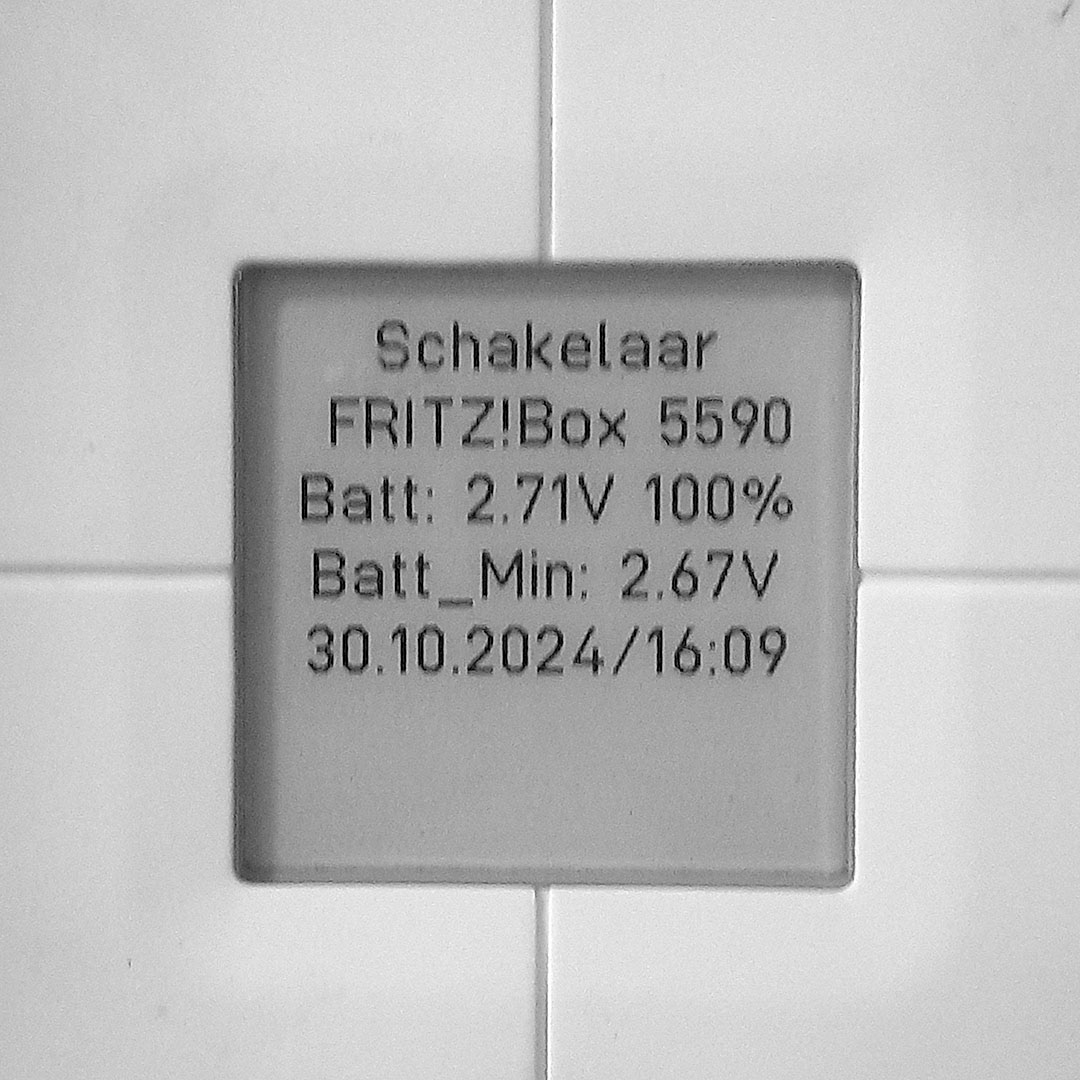
De symbolen van het mesh overzicht, zijn niet juist. In OS 8.00
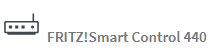
DECT 440
Staat bij mij goed. We zijn wel bezig de SmartHome devices te voorzien van nieuwe Firmware. Misschien dat de FW update het oplost.